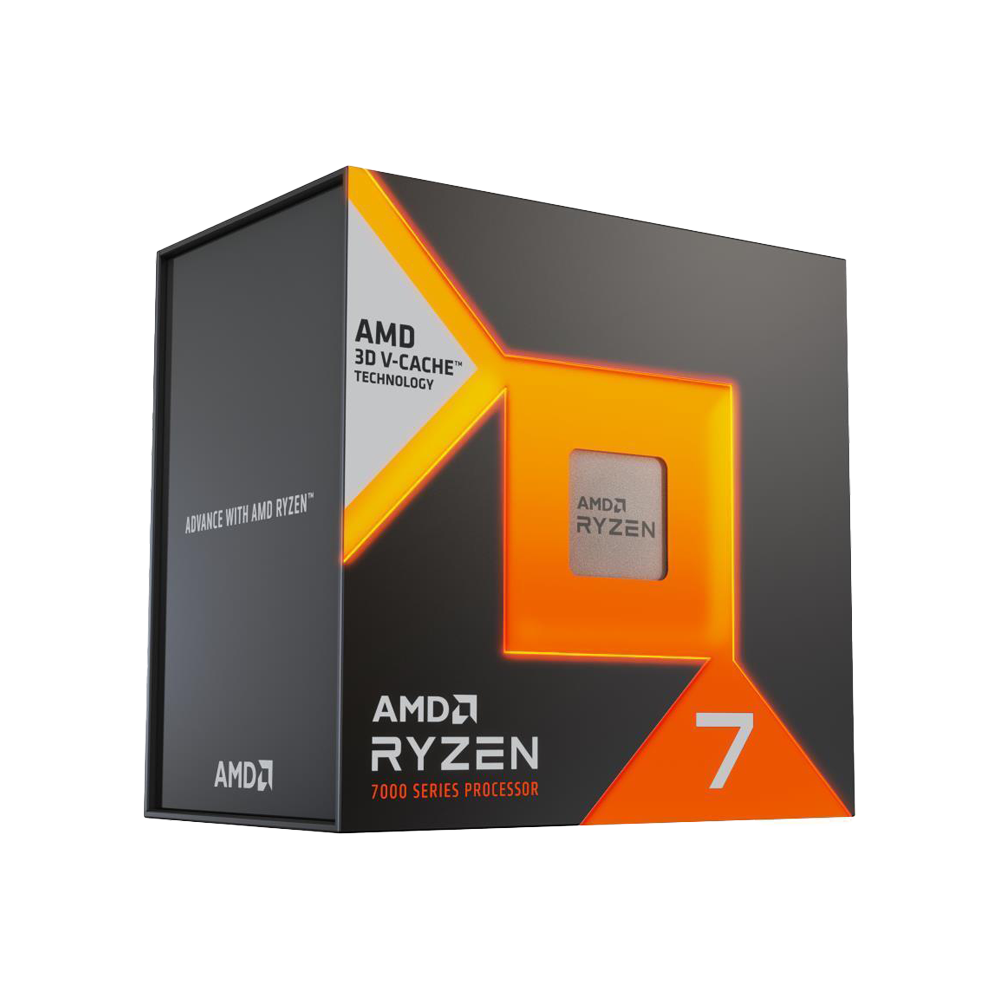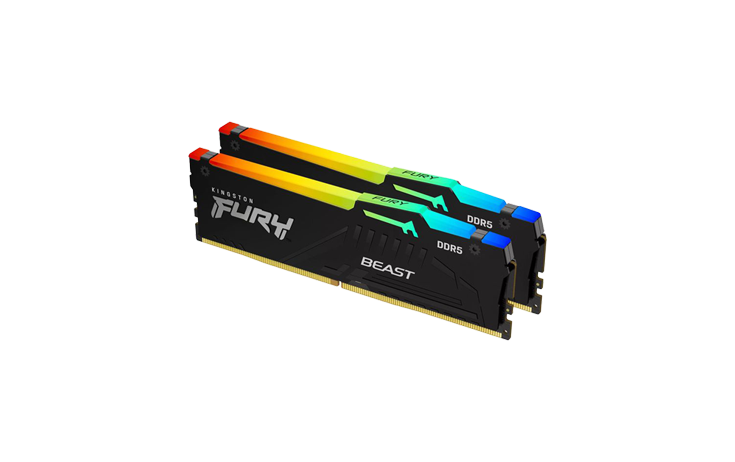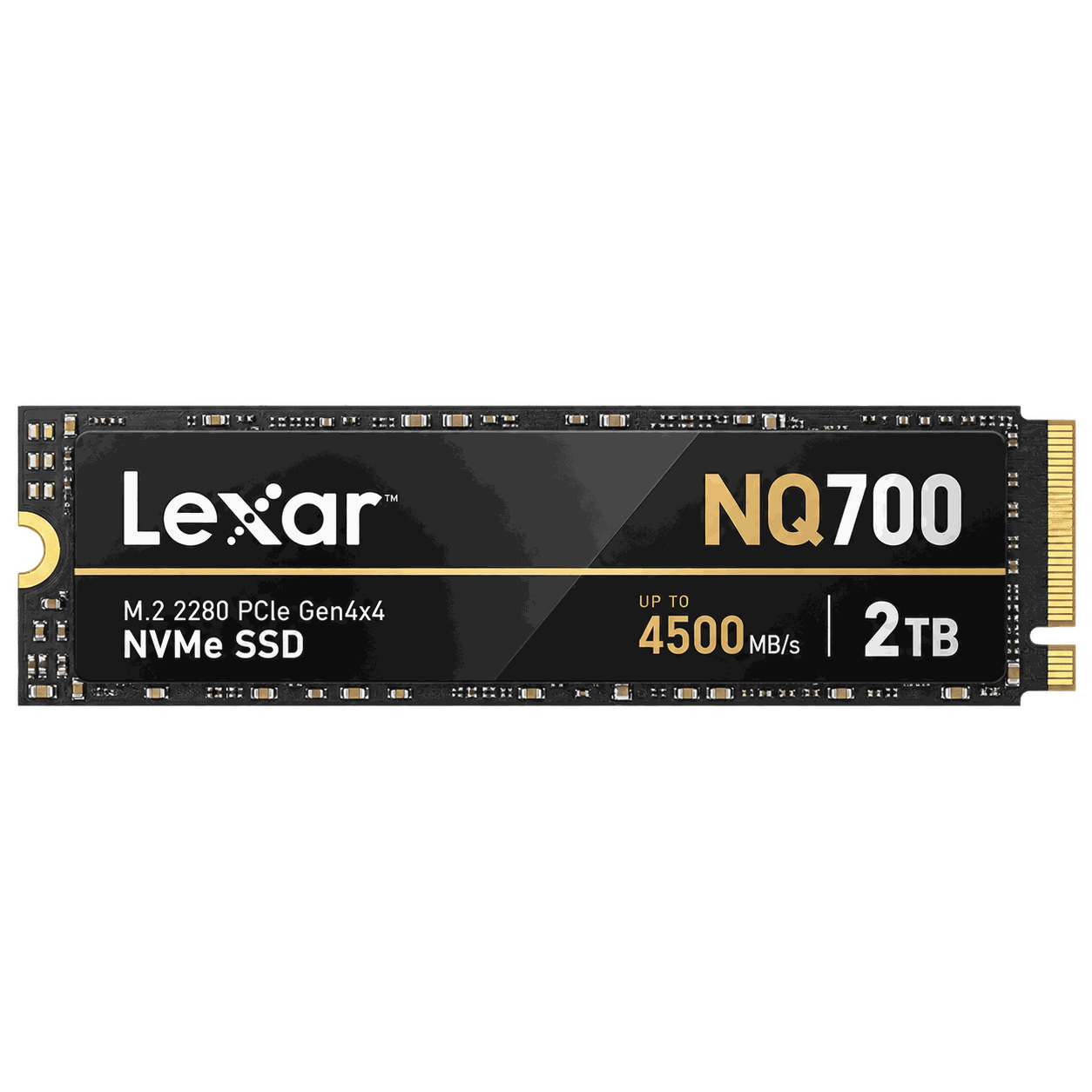
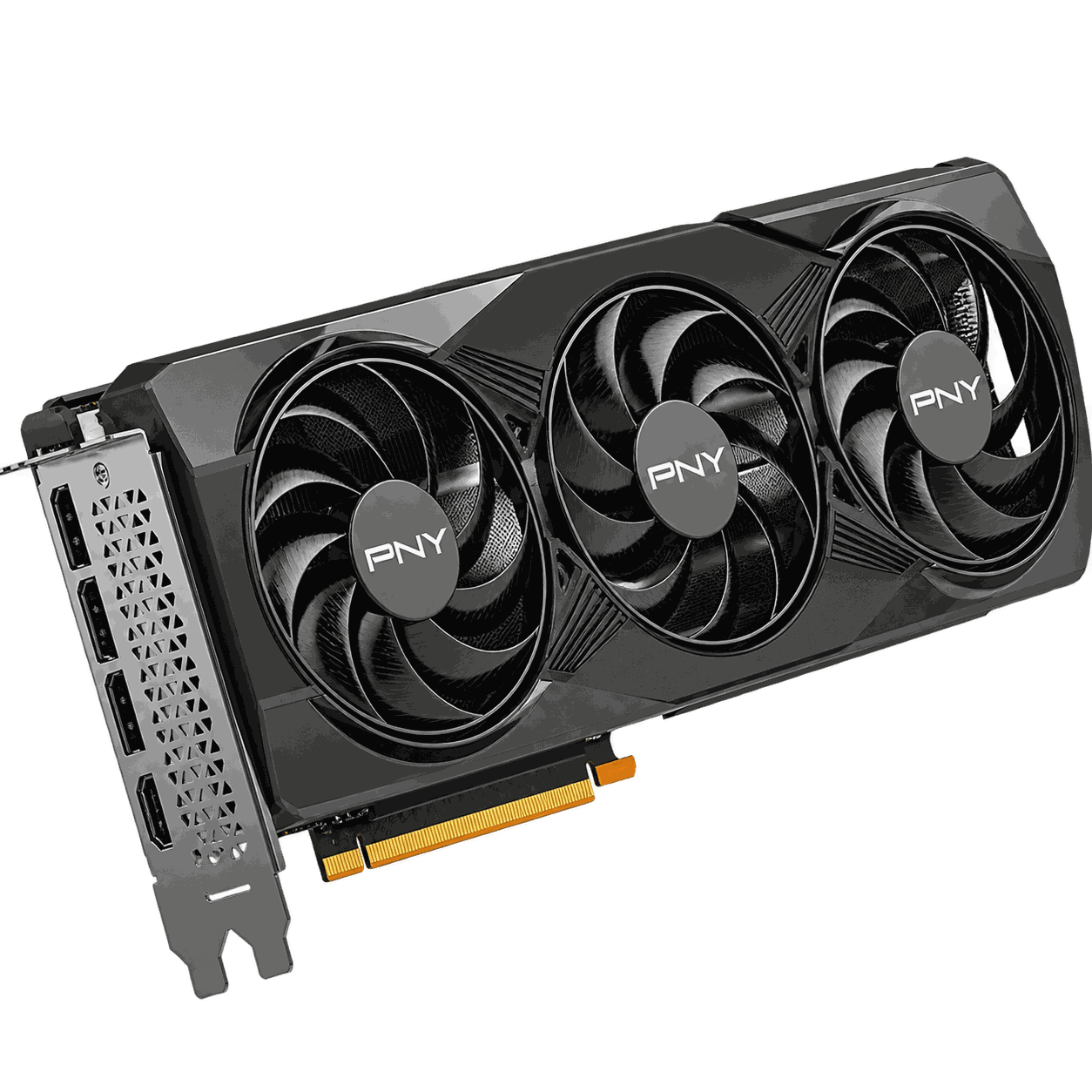
Start with a complete parts list
A PC is a system, not a collection of unrelated components. Before paying for a processor, graphics card or motherboard, decide what the computer needs to do and build a compatible specification around that goal.
For a gaming PC, begin with your target resolution and game type. For a workstation, begin with the software you use and whether it benefits more from CPU performance, GPU acceleration, memory capacity or fast storage. If you are not sure, use our custom PC build service or send us your preferred parts for a compatibility check.
The main components to source
Compatibility checks that prevent expensive mistakes
CPU socket and motherboard compatibility are only the beginning. You also need to check DDR4 versus DDR5 memory support, case clearance for the graphics card, CPU cooler height or radiator support, power-supply capacity and connectors, M.2 storage slots and the physical size of the motherboard.
High-end graphics cards can be large and power-hungry, so they should never be selected without considering the case and PSU. Similarly, buying fast DDR5 memory is pointless if the motherboard only supports DDR4.
Local availability and exact SKU matter
Hardware availability can change quickly. Two listings with similar names may use different memory capacities, cooling solutions or model revisions. Ask for the exact brand and model, condition, included accessories and warranty terms.
For buyers in Harare and elsewhere in Zimbabwe, local sourcing can also simplify communication, collection or delivery and post-purchase support compared with importing every individual part yourself. If a specific model is not available, a good supplier should explain suitable alternatives rather than silently substituting a different part.
A sensible order for planning a new PC
- Define the workload and budget. Gaming, editing, rendering, office work and AI workloads have different priorities.
- Choose the GPU and CPU tier. These usually determine most of the performance and a large share of the budget.
- Select the motherboard and memory platform. Confirm socket and DDR generation.
- Add storage. Choose enough SSD capacity for the operating system, applications, games and project files.
- Size the PSU and cooling correctly. Allow for realistic load and future upgrades.
- Confirm case fit. Check GPU length, motherboard size and cooling clearances.
Buying from Anom Tech
Anom Tech supplies PC components in Harare and serves customers across Zimbabwe. Our current catalogue includes graphics cards, processors, RAM, NVMe SSDs, monitors and other hardware from brands including NVIDIA, AMD, Intel, ASUS, MSI, PNY, Corsair, Crucial, Lexar and more.
We do not publish a fixed price when availability or landed cost can change. Instead, request a current quotation so we can confirm the exact product, price, availability and delivery options first.
Need help choosing the right hardware?
Contact us for current product availability, compatibility guidance and a personalised quotation before you buy.